Click to use inspiration
Get inspired by what others are creating with X Raphael AI
Source Image
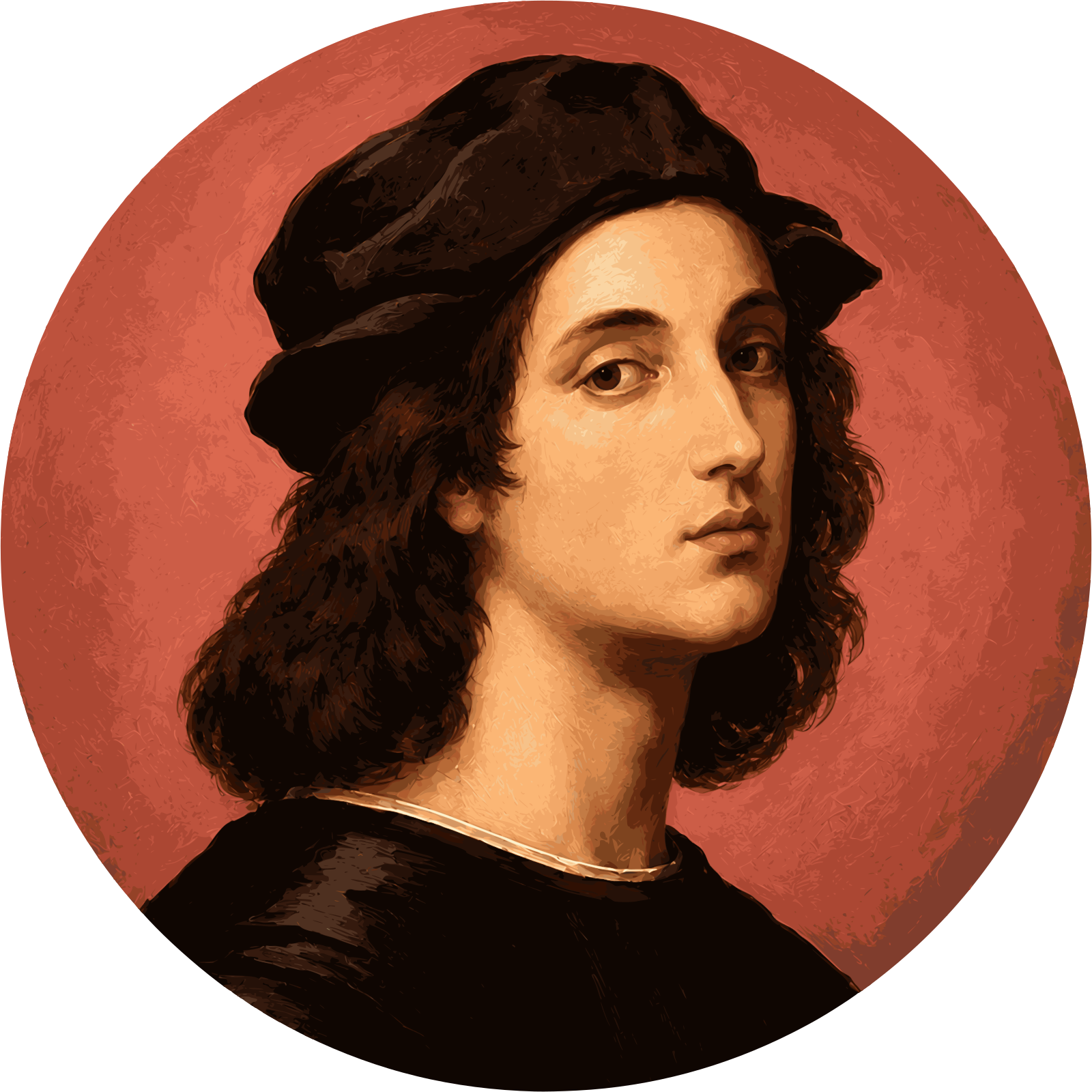
Use this image as inspiration to generate a jewelry collection of 4 pieces.
Aspect Ratio799:1200
Models
Select the model you want to generate your image with.
Model Version
Task
Upload Reference Image*
Upload a sketch, product photo, gemstone image, or visual reference. PNG, JPG, or WEBP are supported.
Aspect Ratio
Your generated images are watermark-free.
Off: Excellent works may be displayed in community. On: Completely private.
Describe a piece or upload a sketch, and the AI Jewelry Generator creates photorealistic rings, necklaces, earrings, and bracelets you can refine and download in seconds.
Get inspired by what others are creating with X Raphael AI
Use this image as inspiration to generate a jewelry collection of 4 pieces.
Your Generated Images
Images saved for 7 days. Upgrade to keep forever!
Takes a plain idea or reference and returns finished jewelry visuals without starting from a blank canvas. You move from concept to a shareable design in minutes instead of hours of manual rendering. Designers, jewelers, and hobbyists who want fast, low-effort concept visuals.
Start designing freeDescribe metal, gemstone, and style, and get a finished piece back—no blank canvas and no CAD skills required to start.
Try Art Deco, minimalist, vintage, or bohemian directions for free and compare them side by side before choosing one.
Swap a gemstone cut, change the band, or adjust the background without redoing the whole design.
The AI Jewelry Generator turns a written prompt like "a platinum solitaire ring with an emerald-cut diamond" into a lifelike jewelry visual. You see a believable piece instantly and can iterate on wording until it matches your vision. Couples previewing rings and designers exploring new lines.
Generate from text
Upload a hand-drawn sketch or a gemstone photo and the tool refines it into a polished, realistic piece. Rough concepts become presentable designs without redrawing them by hand. Jewelers building catalogs and students turning raw concepts into finished visuals.
Upload and refine
Specify 14k gold, platinum, or silver, plus prong, bezel, or pavé settings and precise gemstone cuts. You control the details that matter so the result looks like the piece you actually mean. Designers who need control over materials and settings.
Customize your design
The AI Jewelry Generator produces several design options from one prompt so you can compare directions quickly. You pick the strongest concept instead of betting on a single render. Anyone weighing options before prototyping or ordering.
Generate variations
The AI Jewelry Generator renders metal reflections, gemstone brilliance, and true-to-scale proportions in a clean product-style image. Designs look believable enough to show clients or shoppers, not obviously faked. Retailers and sellers who need trustworthy visuals.
See realistic renders
Covers every common category so one tool handles engagement rings, pendants, studs, and cuffs. You keep a consistent look across a whole collection from a single generator. Brands and designers building full jewelry lines.
Design any piece
You get a usable result in four steps. First-time users.
Try the stepsWrite the metal, gemstone, cut, setting, and style, or upload a sketch or photo to refine with image-to-image controls.
Choose style tags, materials, background, and angle so the output matches the look you want.
Create several options at once, then shortlist the design that fits best.
Check metal reflections, engraving, and proportions, then regenerate or adjust details before you download.
Common places the AI Jewelry Generator designs get used. You see how a design turns into real work output. Sellers, designers, and buyers.
Find your use caseShow buyers a realistic ring before they order so they can picture the final piece.
Sketch out a full collection concept and keep a consistent look across pieces.
Generate clean white-background, square-ratio images that suit marketplace listings and paid ads.
Share renders for sign-off before committing to production.
Pattern: {metal} band + {cut} {gemstone} center + {setting} + {background} + {lighting}. Example: 18k rose gold band, oval sapphire center, pavé shoulders, white sweep background, soft studio light.
Pattern: {chain type} + {pendant shape} + {material} + {finish} + {backdrop}. Example: fine cable chain, minimalist gold bar pendant, glossy finish, daylight window light.
Pattern: {piece type} + {style tag} + {texture} + {stone} + {macro or lifestyle framing}. Example: sterling silver cuff, hand-hammered texture, turquoise cabochons, linen backdrop, macro shot.
An AI jewelry generator turns a text description or an uploaded sketch or photo into a realistic jewelry image. You describe the metal, gemstone, and style, and it renders a design you can refine and download.
Either works. You can write a prompt from scratch or upload a sketch or reference photo and refine it with image-to-image controls.
It renders metal reflections, gemstone brilliance, and true-to-scale proportions, so results look believable; always review reflective metal and any engraving before you use an image.
No. It produces photorealistic design images you can use for previews, marketing, and client approvals, not production-ready CAD or 3D-printable files; use a design image as a reference for a jeweler or CAD artist.
Yes. Specify materials like 14k gold or platinum, gemstone cuts, and settings such as prong, bezel, or pavé directly in your prompt.
You can start creating with the AI jewelry generator for free; check your plan's terms for high-resolution downloads and commercial use before publishing.
Regenerate with a clearer prompt that names the finish and lighting, or refine the image; small text and highly reflective surfaces often improve on a second pass.
Yes. This AI jewelry generator runs online in your browser, so you can design rings, necklaces, earrings, and bracelets for free without installing anything.